A music app with a microphone
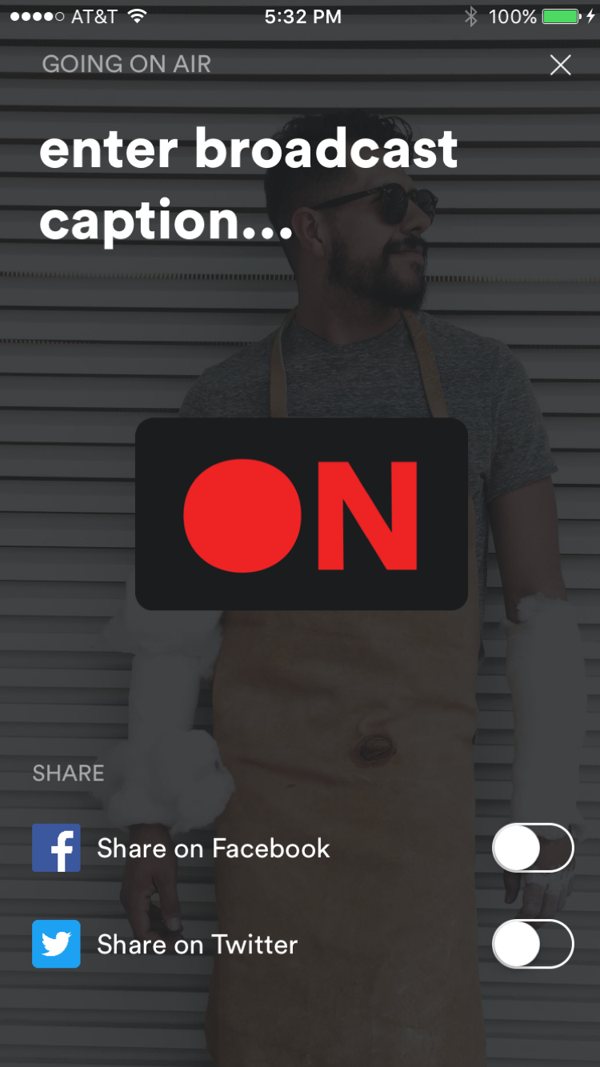
For listeners, Stationhead worked like a streaming app. For hosts, it worked like a radio console: a queue, an audience, a mic and an ON button. Most people had never seen anything like it, so they needed the idea explained before they'd invest in it, and they needed confidence about what was happening once they went live.
Explain the idea before asking for anything
The original onboarding was one nine-screen tunnel.
- It asked for a permanent username, an emoji and a set of songs, then launched a station, all before the person had seen what Stationhead was.
- The premium streaming account it depended on never came up.
- The explanation came last, as four slides about controls the user hadn't touched yet.
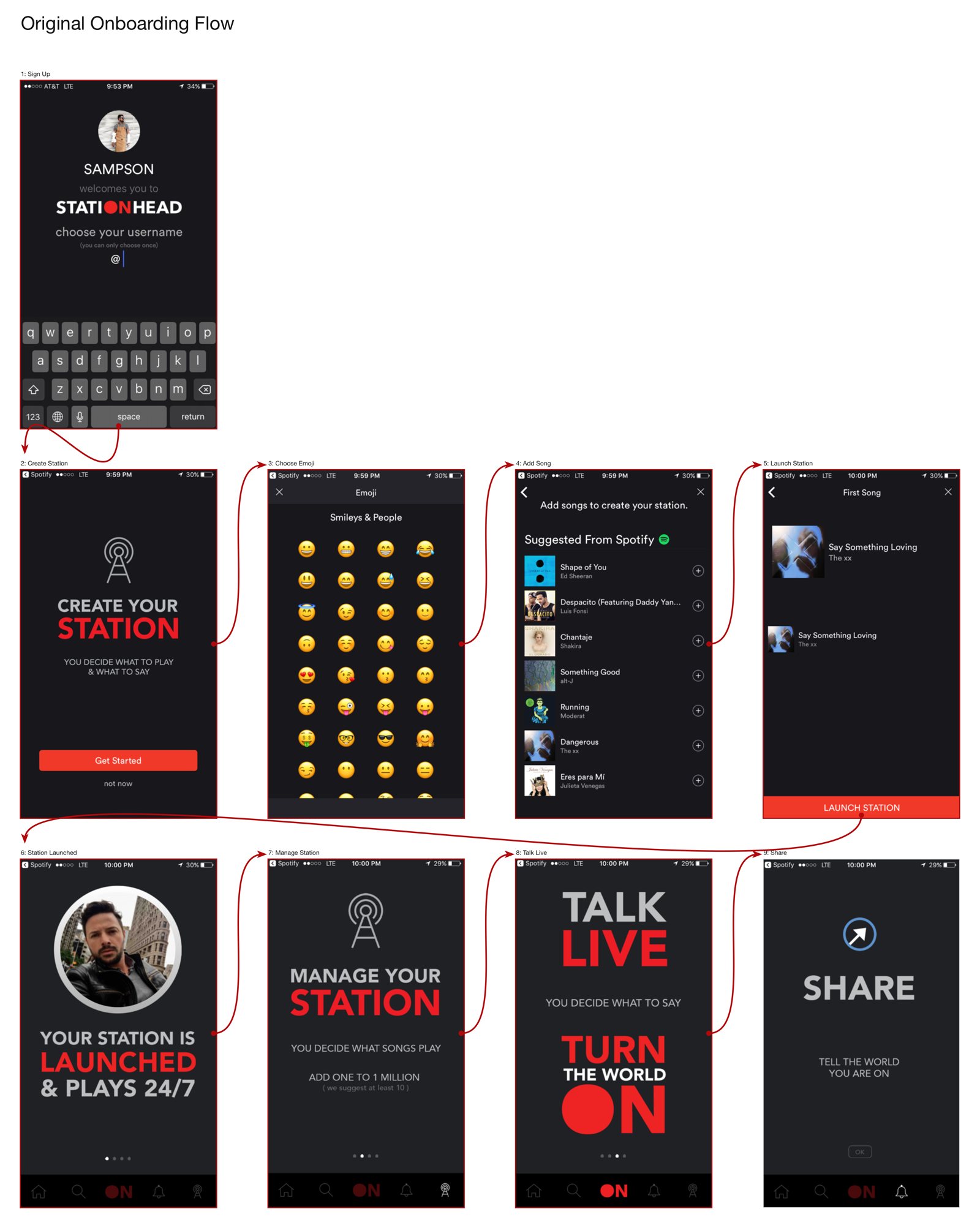
The redesign reorders everything around three changes.
Show the value first
Before any sign-up, three cards explain what Stationhead is: host your own show, follow friends and artists, bite songs you love. A new concept needs its pitch before it asks for a commitment.

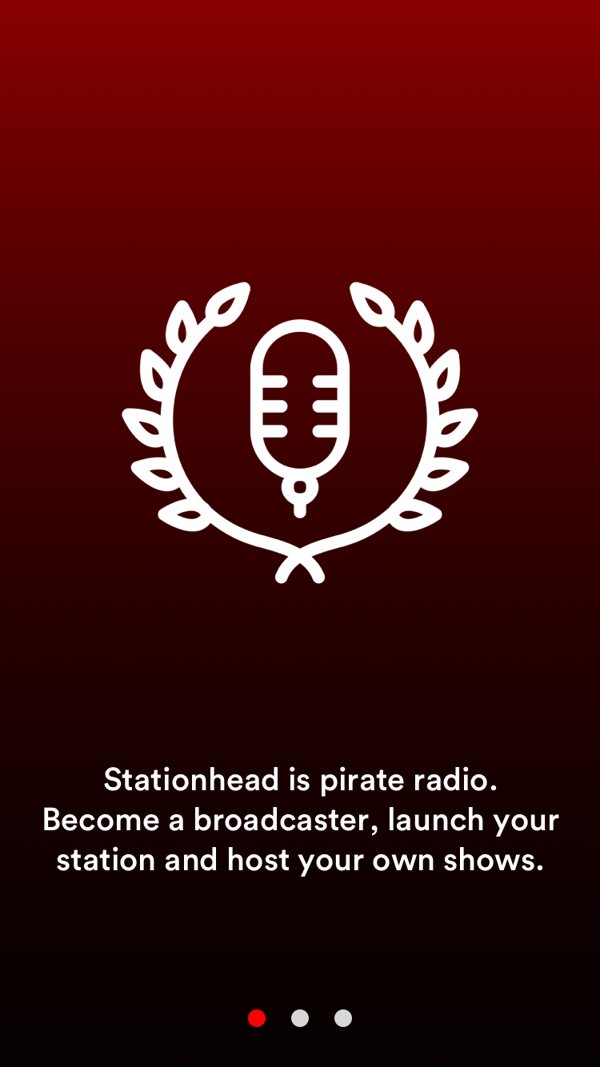
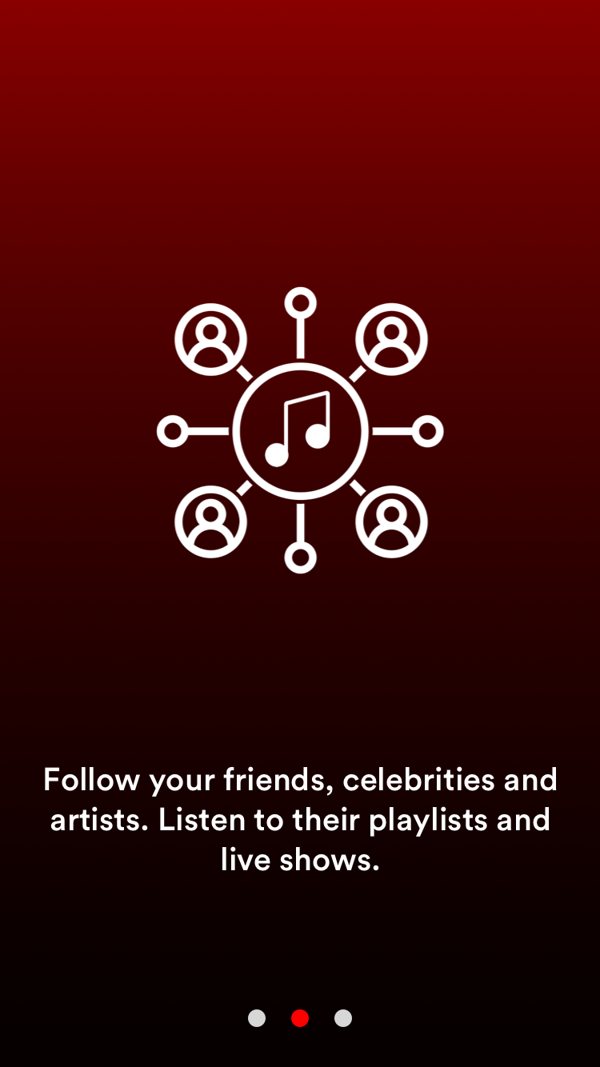
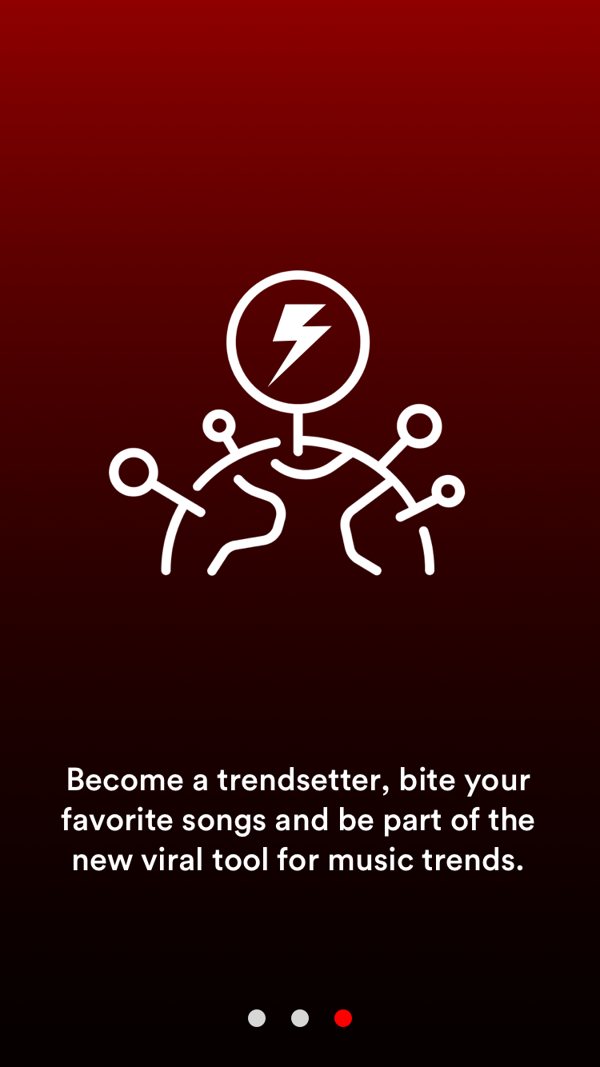
Intro. Splash, then three value cards.
Be upfront about the paywall
Stationhead only worked with premium Spotify or Apple Music. The new sign-in leads with those two options, states the requirement in one line, and offers trials to people without premium, so no one discovers the limit after they've set everything up. The permanent username moves after this step.
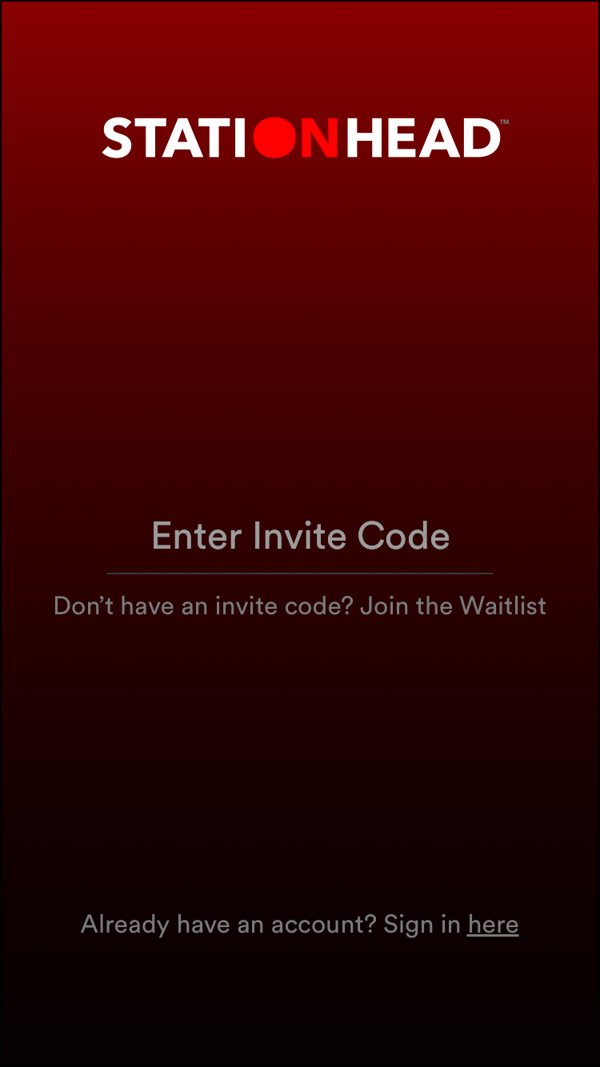
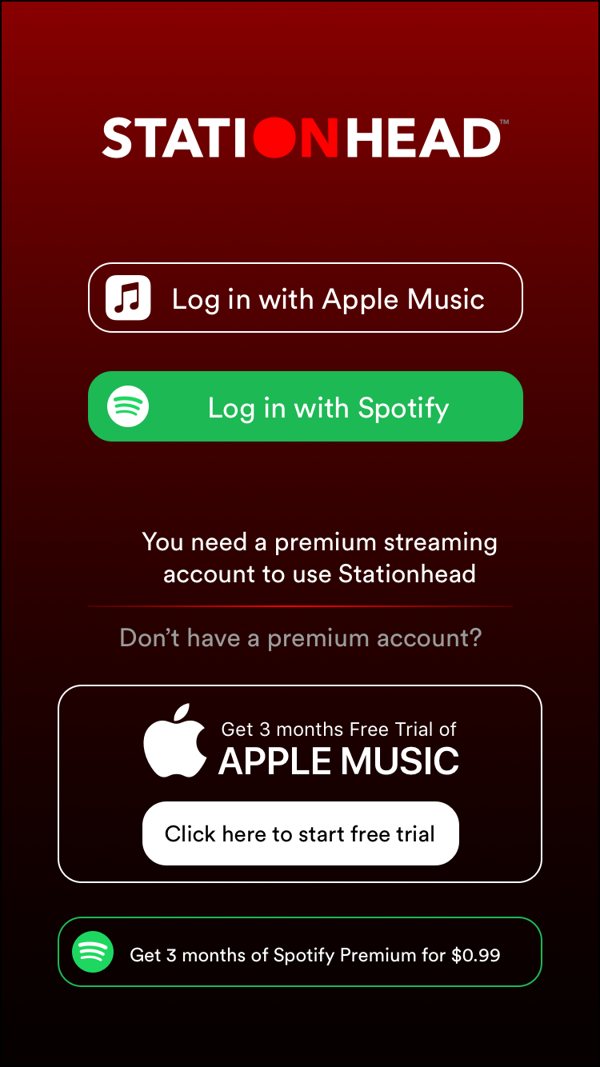
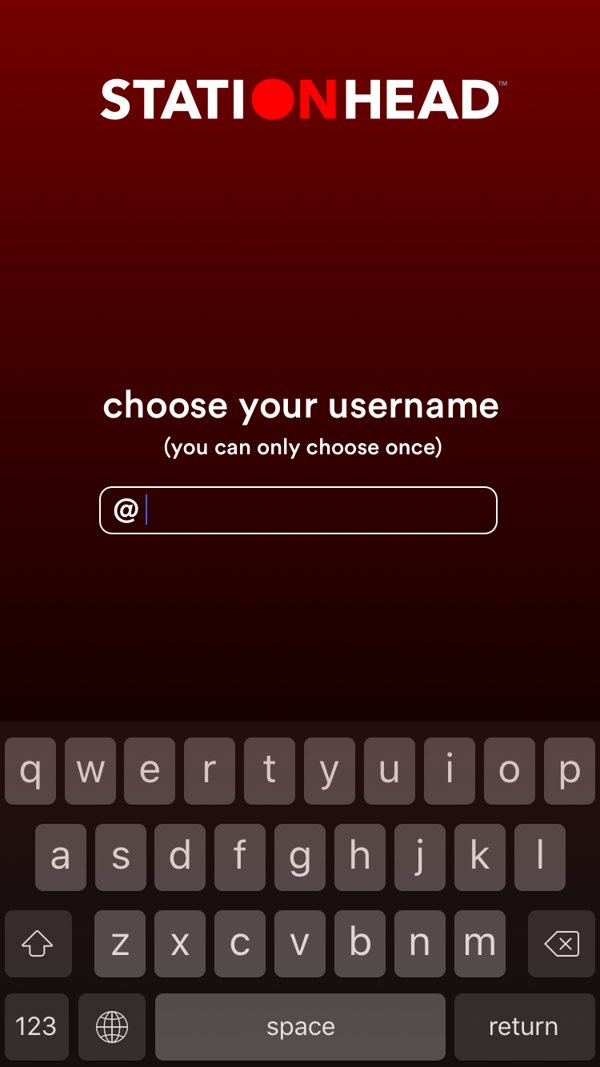
Sign up. Invite code → connect a service, with trials → username.
Learn the system by using it
The after-the-fact slides became an interactive tutorial. A short tour over the real home feed points to Home, Discover and ON. Creating a station then walks through picking three songs, launching, and the controls a host needs, one tap at a time, on the actual screens.
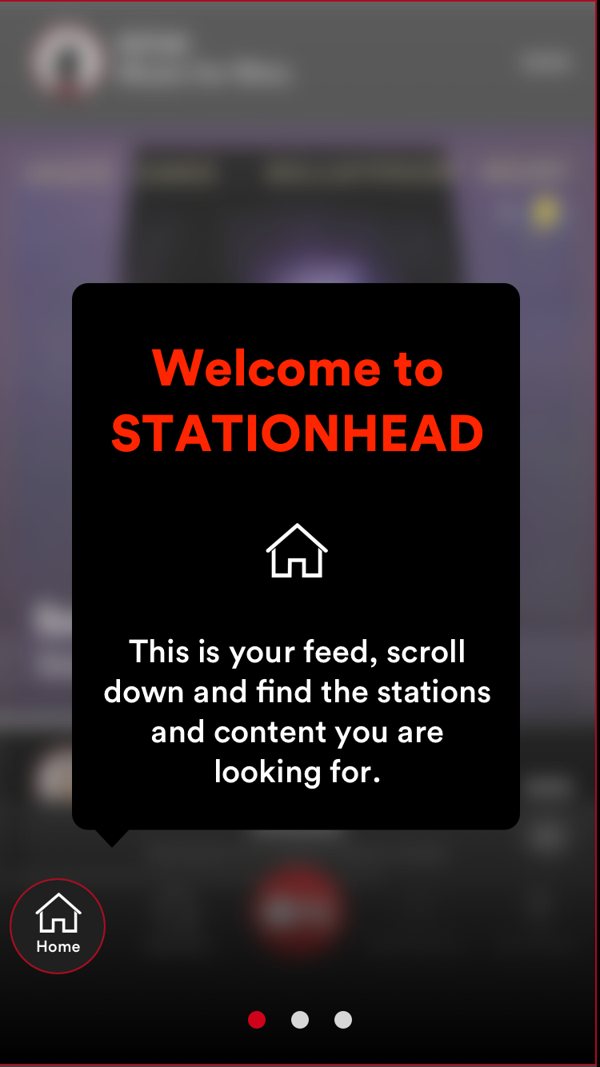
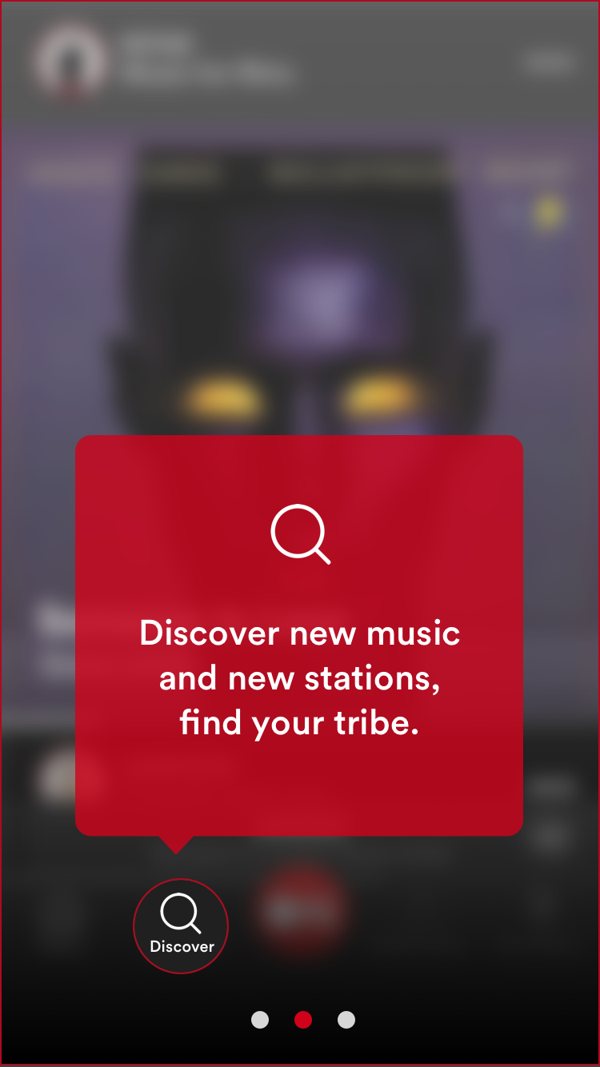
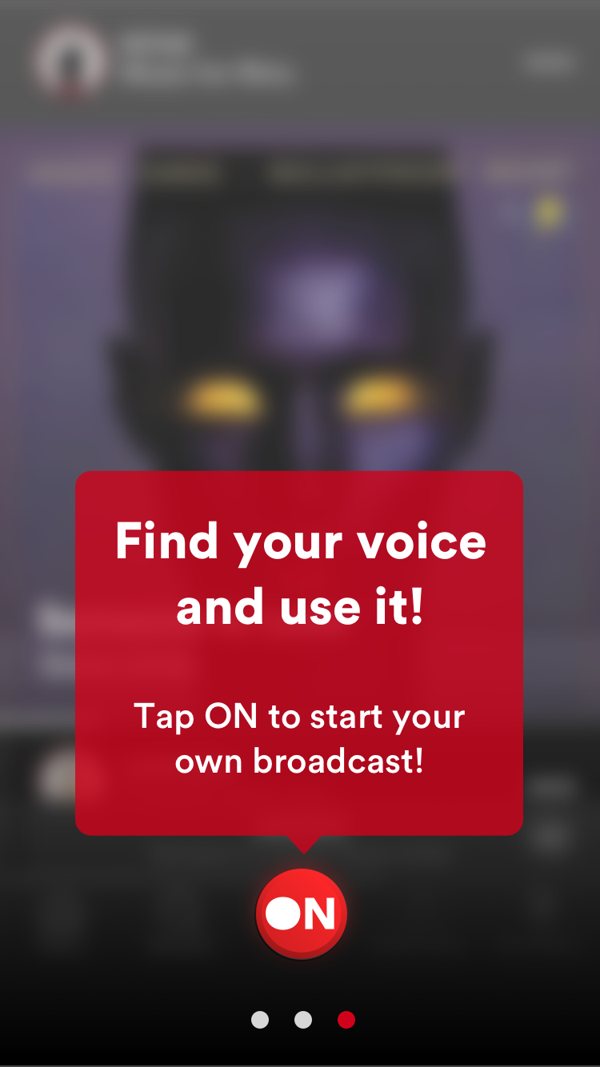
Welcome tour. Home → Discover → ON.
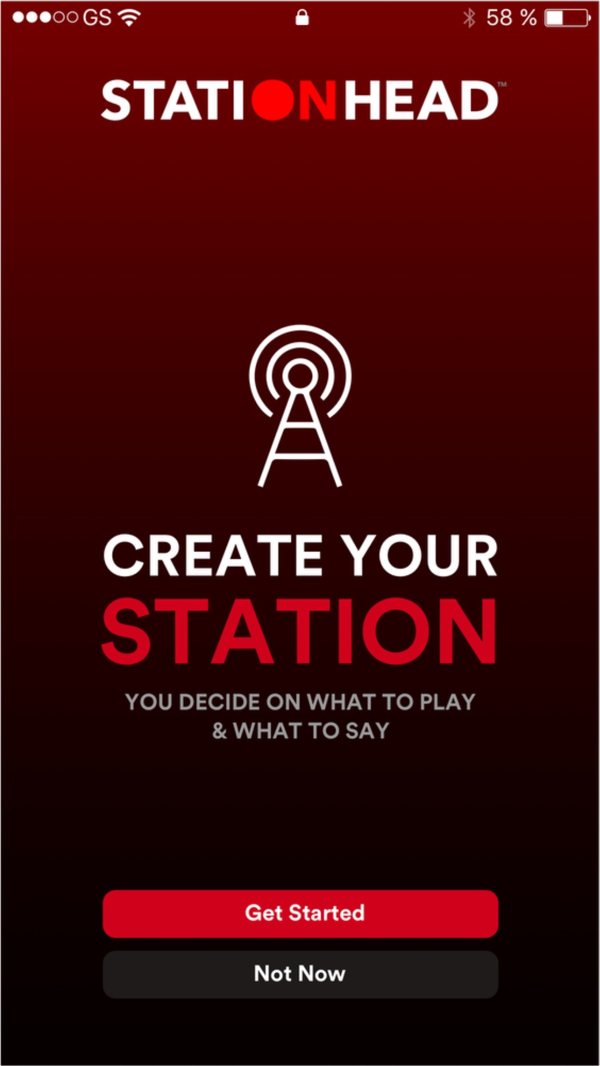
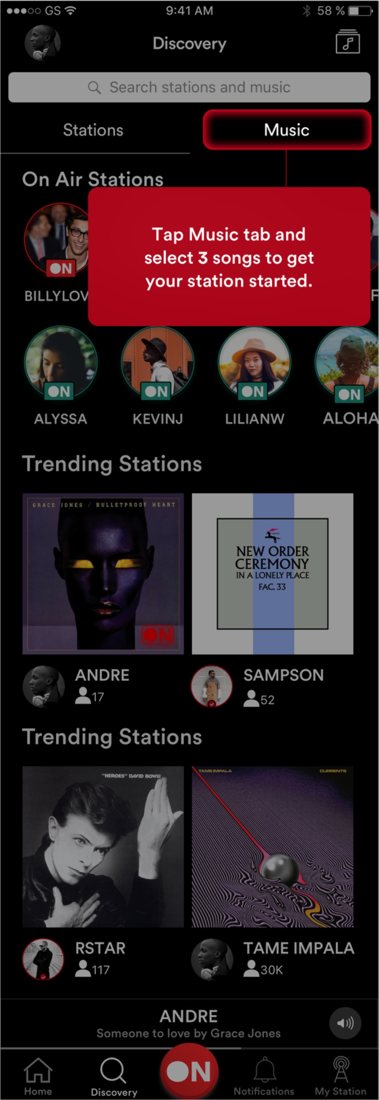
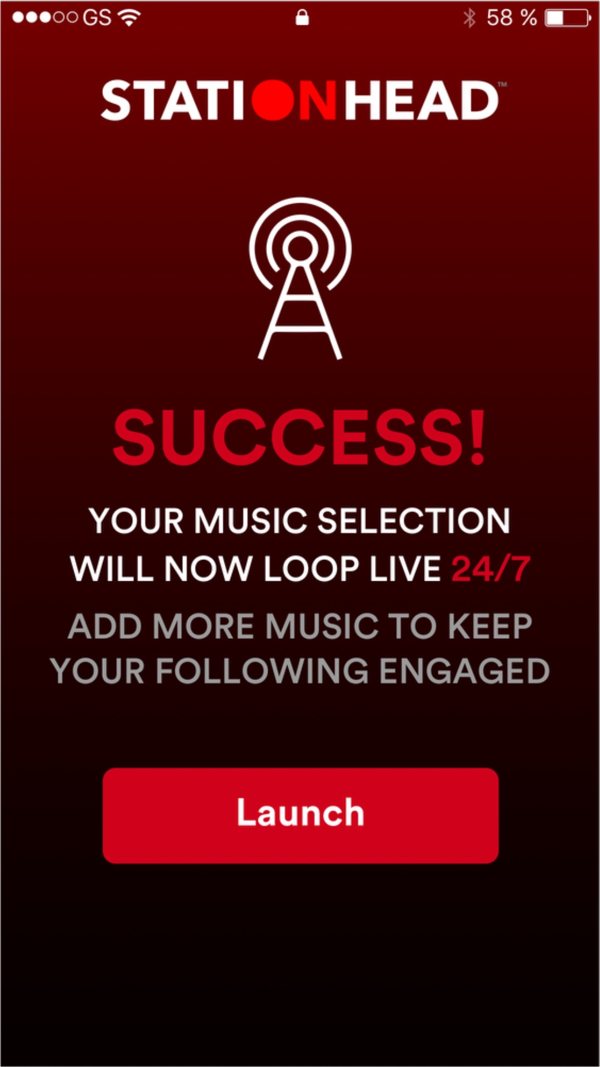
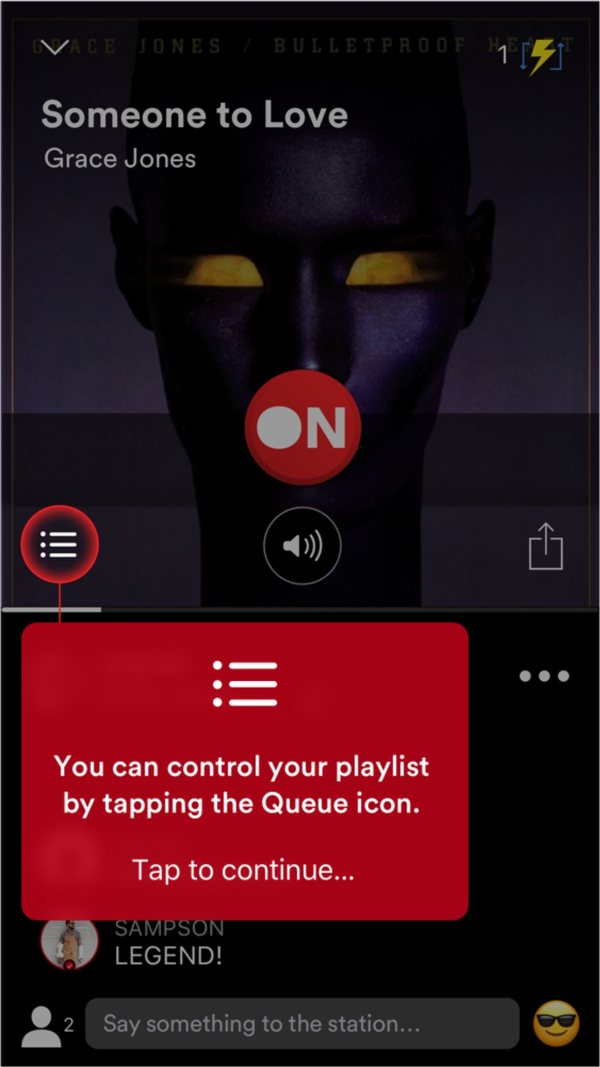
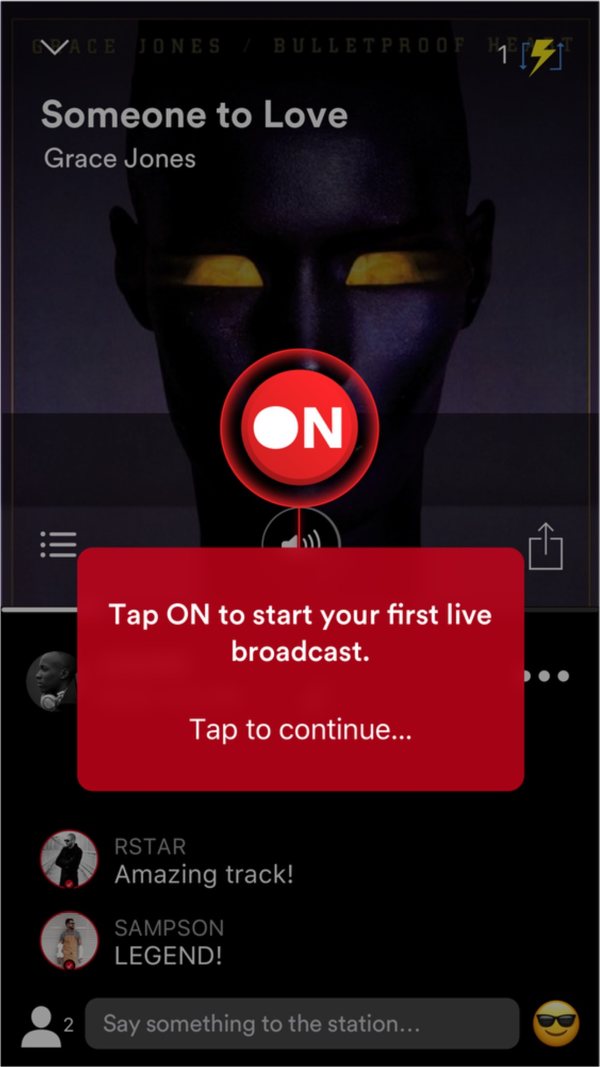
Launch tutorial. Create → pick three songs → live 24/7 → queue → go ON.
Make what listeners hear impossible to miss
Once live, a host is in one of three states: voice only, voice over music, or music only. Getting it wrong means talking to no one or cutting off a song mid-chorus, in front of an audience. The control had to show the current state at a glance, while the host is talking.
A single toggle
The first exploration put one toggle under the ON indicator. A toggle has two positions, but live mode has three states. The toggle changed color between them, but nothing named the active state, so a host had to remember what each color meant to know what listeners were hearing.
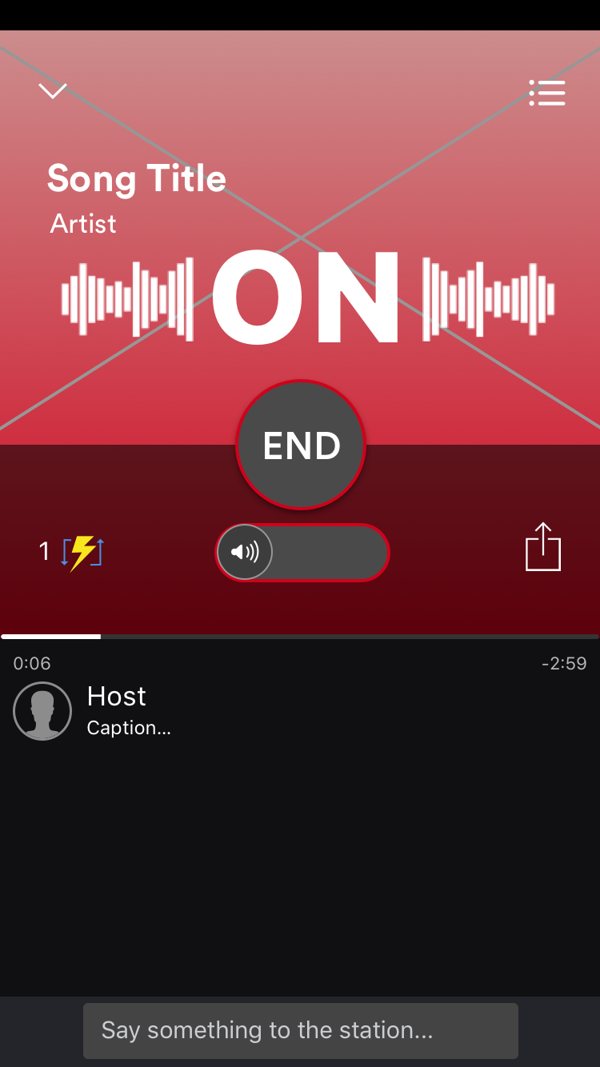
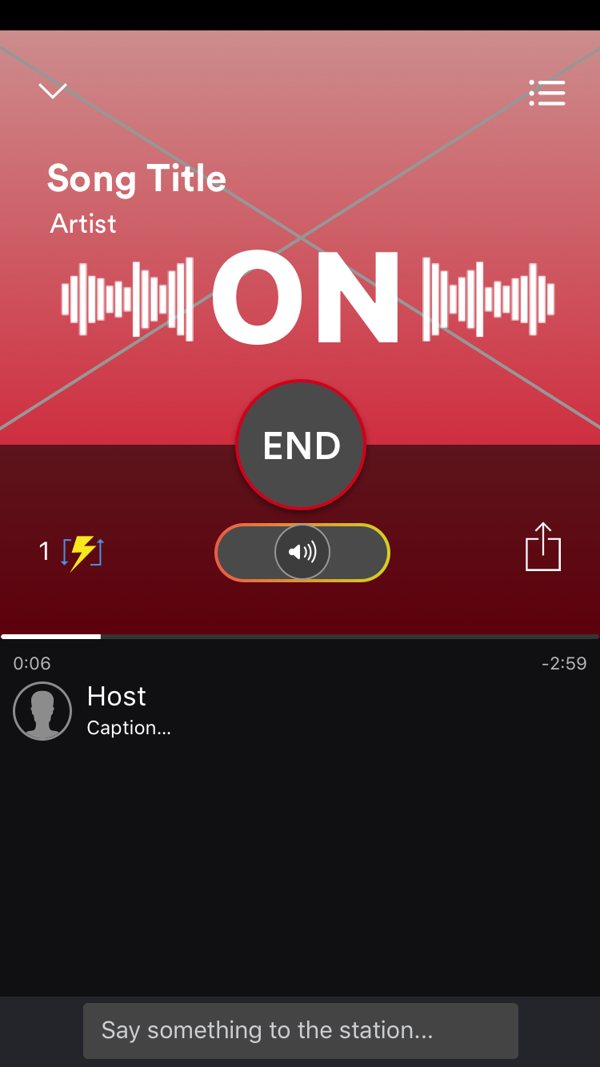
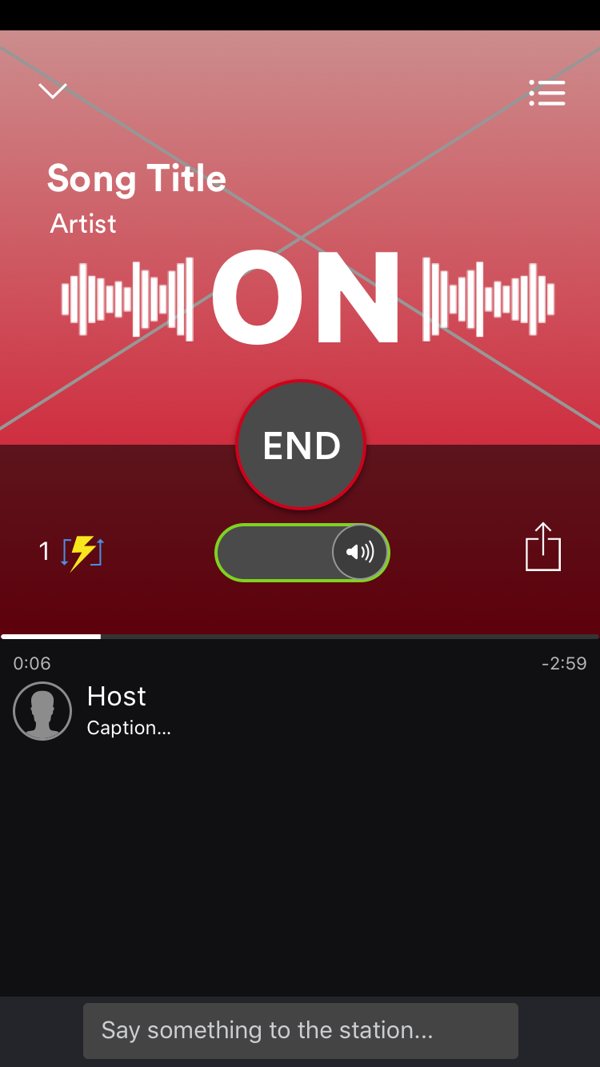
Exploration 1. Three states, one unlabeled toggle.
Three labeled modes
The final design gives each state its own button and icon, with VOICE ONLY and MUSIC ONLY spelled out at either end. The active mode lights up in its own color, so the state is visible and named at the same time.
- Voice only
- Music muted. Listeners hear just the host.
- Mix
- Music drops low and the host talks over it. The default when going live.
- Music only
- Mic muted. The station plays like radio.
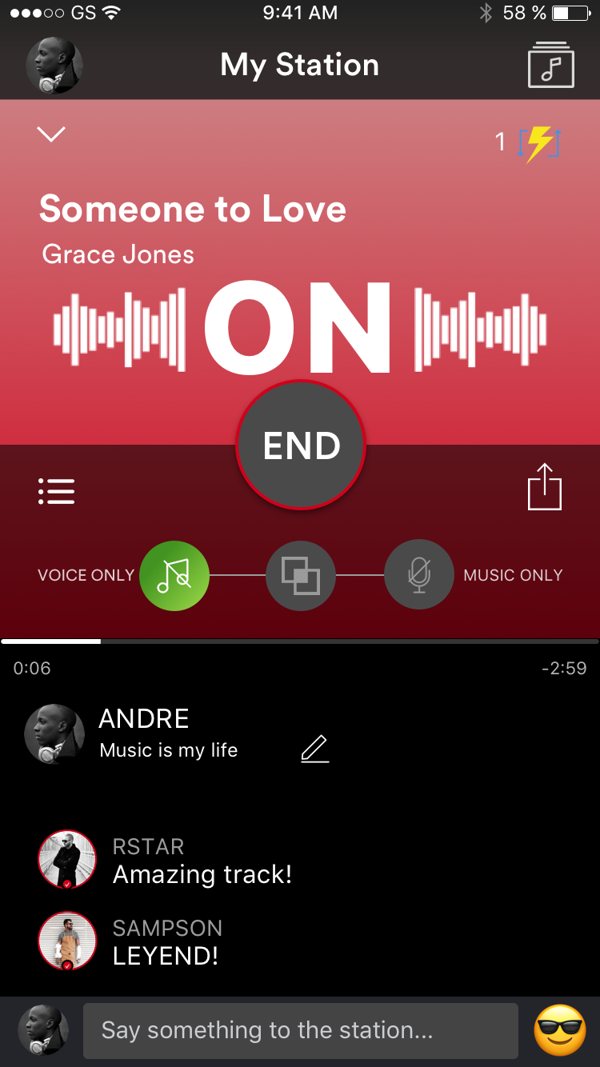
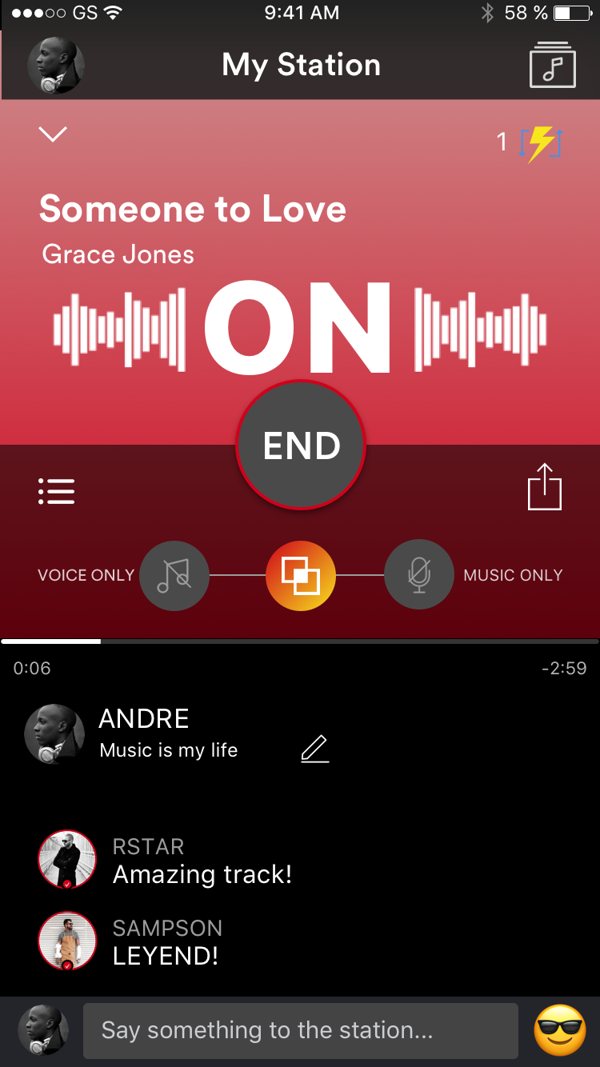
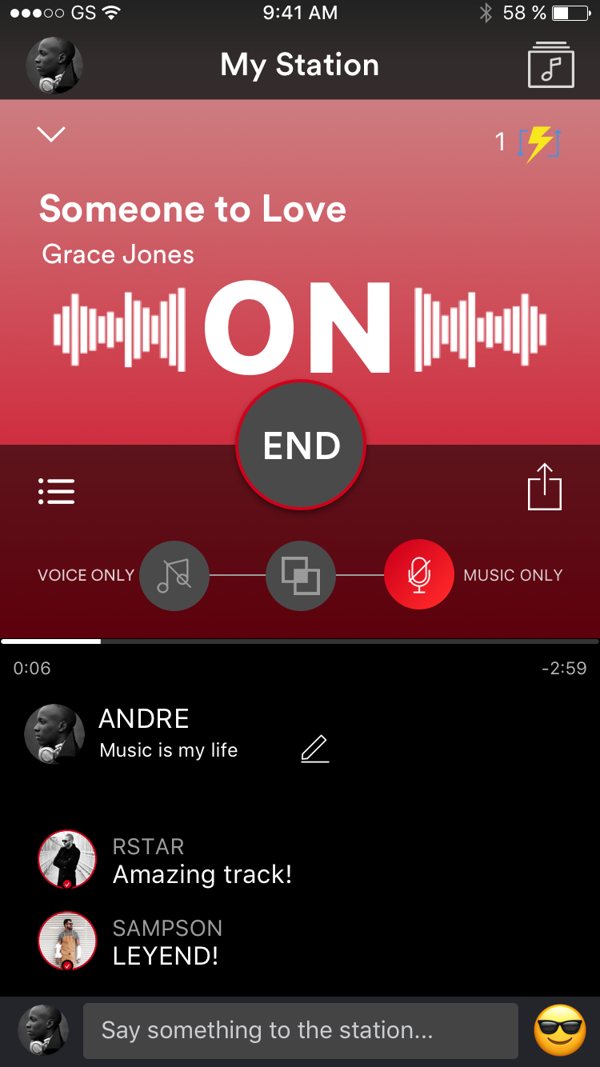
Final. Voice only · Mix · Music only.
Taught the same way as onboarding
A host's first broadcast walks through the bar one control at a time: what changed when you went live, where the mic is, how each mode sounds, how to invite people, and what END does. The background shifts color with each mode, reinforcing the change.
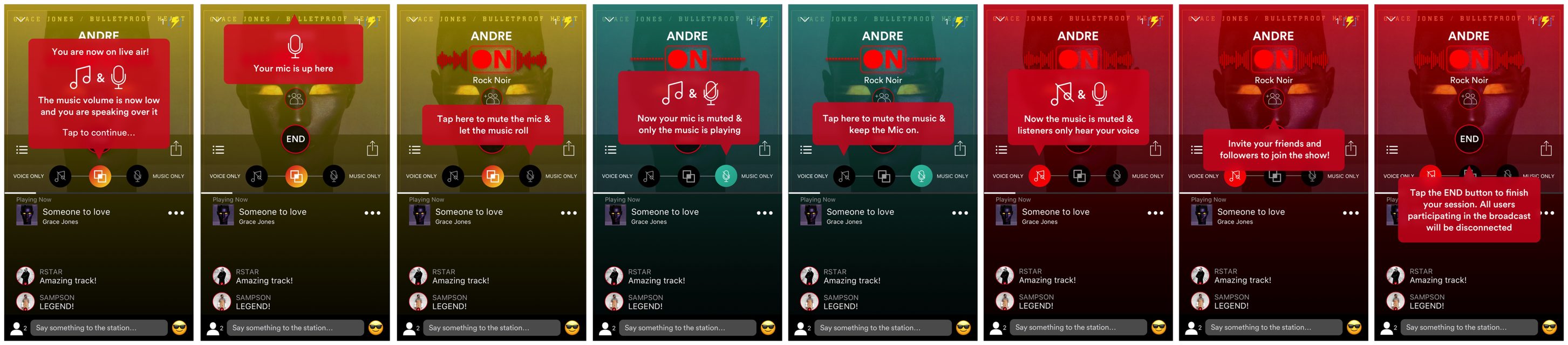
First-broadcast walkthrough · scroll →
Clarity before commitment
Both redesigns solve the same problem: a new kind of product has to explain itself at the moment it matters.
Onboarding now sells the idea and states the cost before asking for anything, then teaches by doing. Live mode replaced a control you had to interpret with one you can read.